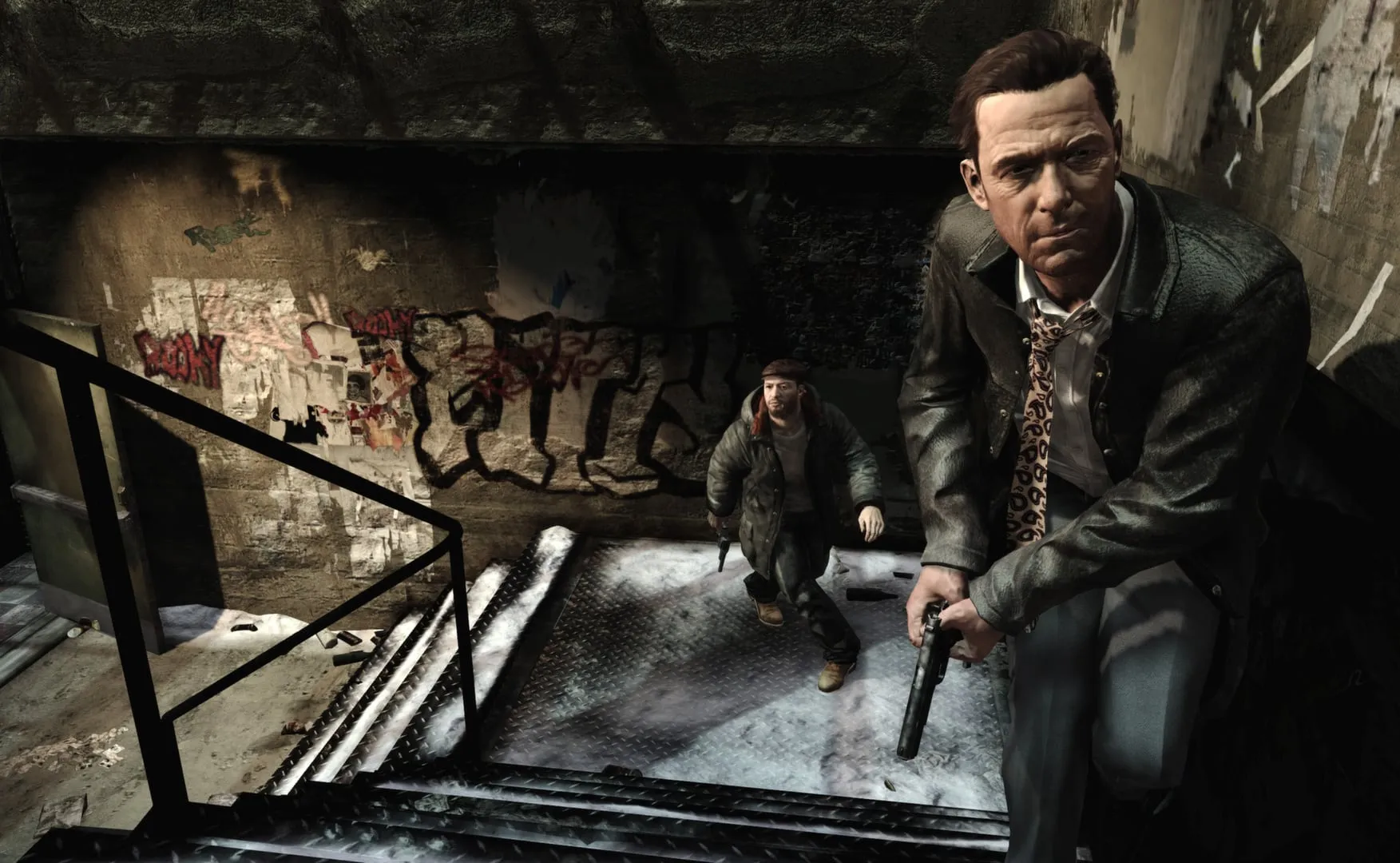
Max Payne on PC: requirements, fixes and controllers
What Max Payne 2 and 3 need to run, the sound and frame-rate fixes players use for the 2001 original on Windows 10 and 11, and how widescreen and controllers work.
Max Payne 3
What Max Payne 3 needs
Rockstar’s page lists minimum requirements only: 64-bit Windows 10, 2 GB of RAM and 35 GB of disk, with processor and graphics card as ranges: from an Intel dual-core at 2.4 GHz or an AMD dual-core at 2.6 GHz with a 512 MB card such as the NVIDIA 8600 GT or the Radeon HD 3400, up to an Intel i7 3930K or an AMD FX-8150 with a GeForce GTX 680 (2 GB) or a Radeon HD 7970 (3 GB).
As of September 2026 the game also needs a Rockstar Games account: you sign in to install it, activation goes online, and the Rockstar Games platform software has to be installed as well. On Steam you can link that account to your Steam one.
The graphics menu counts the video memory your settings use and by default refuses a mix your card cannot hold. Nvidia’s tweak guide puts maximum DirectX 11 settings at 1920×1080 within reach of a 2 GB card.
Max Payne 2
What Max Payne 2 needs
Minimum: Windows 98, ME, 2000 or XP; a 1 GHz Pentium III or Athlon, or a 1.2 GHz Celeron or Duron; 256 MB of RAM; a 32 MB AGP card that does hardware transform and lighting; DirectX 9.0 installed, though the game itself renders through DirectX 8.1. Recommended: a 1.4 GHz Athlon or a 1.7 GHz Pentium 4, 512 MB of RAM and a 64 MB card. The listings put the install at 1.5 to 1.7 GB.
Max Payne
Getting the first game to run on Windows 10 and 11
On Windows Vista and later, the 2001 original, a DirectX 8 game, loses its sound on some PCs. A long-standing option is DarkjeThe2nd’s Max Payne Sound Fix: unpack it into the game folder and run MaxBatch.bat. Its author later called that patch obsolete and, in October 2025, pointed players to a newer all-in-one fix. Special Agent Squeaky’s guide for the Steam version swaps in three sound files instead; a player confirmed it on Windows 11 that same month.
The game ignores a frame-rate limit set in the Nvidia control panel, so one player’s recipe adds the dgVoodoo 2 wrapper and a startup-hang patch; next to the widescreen fix, that fix’s d3d8.dll is renamed to dinput.dll. The silentgameplays package on GitHub bundles a sound fix, a 1080p patch and a 60 fps limit.
In the game’s setup screen, leave antialiasing off: it causes white shapes on textures. On Windows 10 and 11, turn on Enable Task Switching there, and keep the game folder name to letters and numbers.
Widescreen
Widescreen and resolution
The first game was made for 4:3 screens and stretches on a modern one. ThirteenAG’s fix from the Widescreen Fixes Pack makes it 16:9.
Max Payne 3 needs nothing extra: its Aspect Ratio setting, added in the second patch, picks the ratio itself or forces one such as 16:9 or 16:10, and the -width and -height launch options force a custom resolution, sometimes only in windowed mode.
Controllers
Controller support on PC
On PC, Max Payne and Max Payne 2 read only the keyboard and mouse. A gamepad can work through Steam’s Big Picture mode with a community profile, though some players report the game never sees the pad; for Max Payne 2, a player in 2023 also suggested the Controller Companion app. It is a mapping, not real support: in Max Payne 2 the game keeps running while you pick a weapon.
Max Payne 3 supports gamepads itself. Its Gamepad Targeting setting offers Hard Lock and Soft Lock, which pull the reticle toward enemies, and Free Aim, which turns that help off.
Controls
Keyboard controls in Max Payne
Move with W, A, S and D or the arrow keys, jump with Space, crouch with C and use things with E. R reloads, and Left Shift triggers bullet time. Painkillers are on Tab or Backspace, quick save and quick load on F5 and F9. The number keys 1 to 6 choose a weapon group, from melee to the sniper rifle, and the mouse wheel steps through weapons.
More for PC players
- The best Max Payne mods: from the Kung Fu mod to RTX RemixGuide
- Max Payne cheats: codes, unlocks and trainersGuide
- Max Payne (2001): the original game, its ports and the mobile versionGame
- Max Payne 2: The Fall of Max PayneGame
- Max Payne 3 (2012): São Paulo, platforms and what to know before playingGame
Running smoothly? Next come the mods
Path-traced lighting, kung fu moves and Sam Lake’s face back on Max — the mods page picks up where the fixes stop.
See the mods